Are these two separate products?+
Yes. SkuGallery handles product photos. CellLens lets you look up data from different databases and tables behind your business systems, directly in Excel. Each is a separate Excel add-in. You can choose the tool that fits your workflow.
Which version of Excel are they made for?+
The add-ins are designed for Excel desktop on Windows, with .NET Framework 4.8 or later and the VSTO Runtime. Setup offers to download and install .NET if missing; the VSTO Runtime must be installed separately if needed. Excel for Mac and Excel for the web are not supported. A list of tested Office builds is not yet published. Check the current compatibility information before installing SkuGallery.
Can I try them now?+
Both are available as free 30-day trials, with no account and no card. Download SkuGallery or CellLens, then follow the guide for your first photos or your first lookups. Each trial starts separately on first use. A valid licence is required to continue after the trial. See our annual plans and Business offers and email us to purchase. There is no automatic charge.
Can I see the actual add-ins in action?+
The SkuGallery product page includes an actual Excel recording showing photo lookup, browsing and insertion. The CellLens page shows stock from SQL Server and customer orders from PostgreSQL, beside the same worksheet. Both pages include real settings screenshots and demonstrations with English and Italian explanations.
 rigacell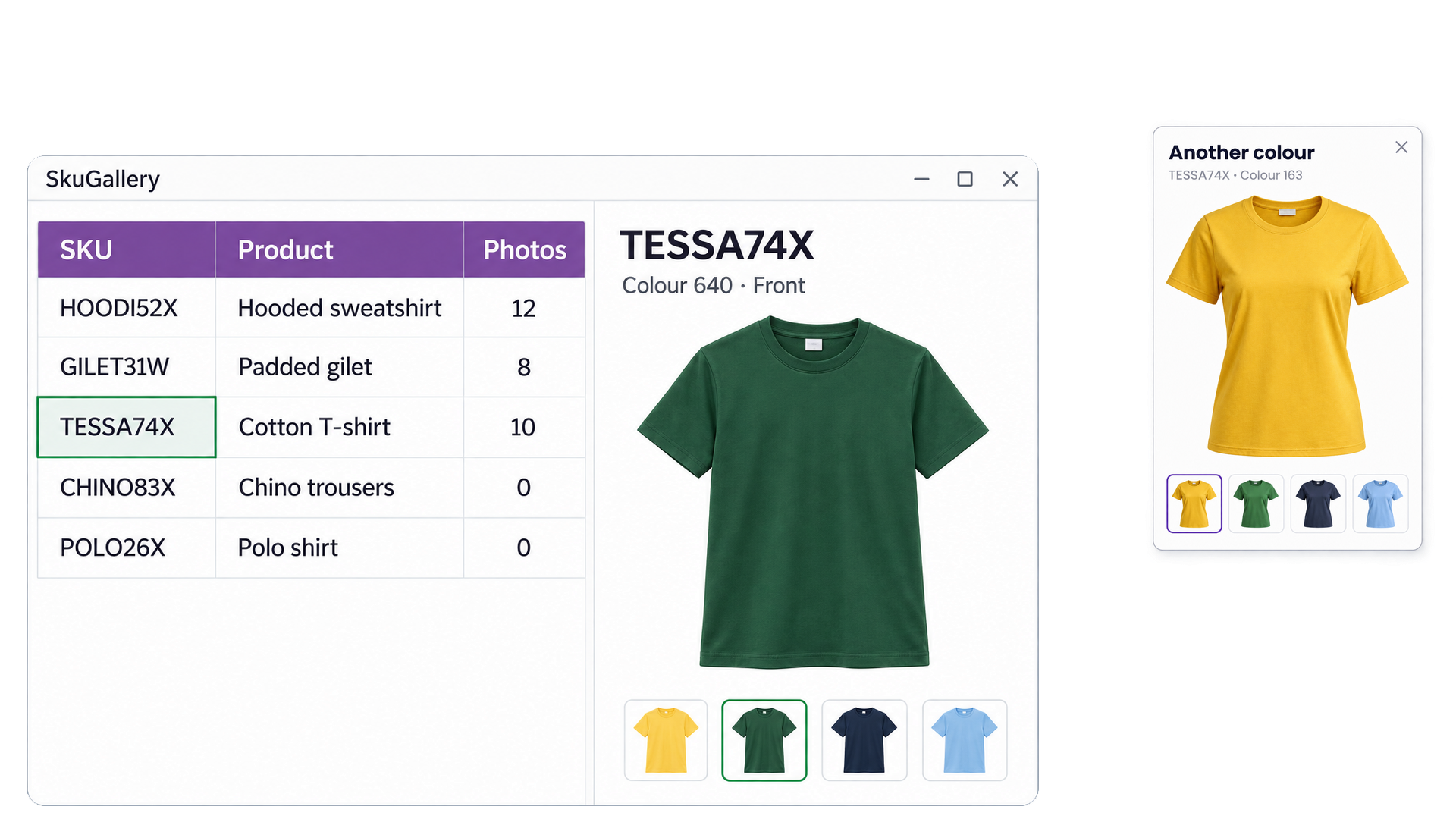
 Free 30-day trial